
Car wash & detailing management system
Your car wash from appointment to cash drawer, in one system.
Customers book a time or take a number at the gate, sign up for a wash plan, and pay at the POS with an approved invoice. For mobile washing: the customer's location and your coverage area on the map.
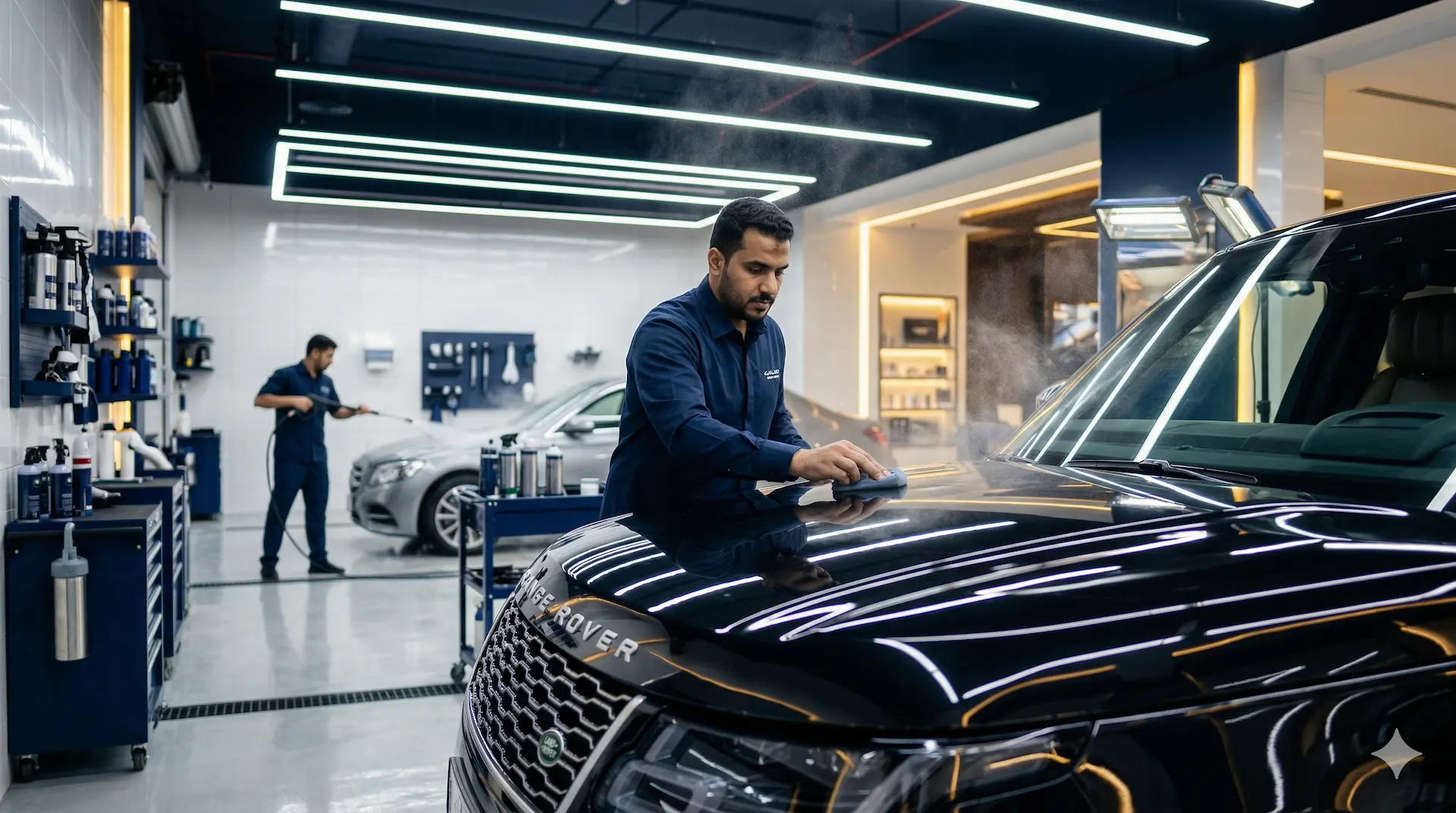
The challenge
Three problems every car wash owner knows, and a fix for each.
A queue with no system
Cars pile up at the gate, nobody knows whose turn it is, and customers leave before they're served.
Unclear mobile wash addresses
The order arrives in a message, the location comes later, and the washer has to call and ask.
Lots of cash and late-night bookkeeping
A drawer that doesn't match sales, handwritten invoices, and no clear report for each shift.
How it works
How a customer's order reaches your car wash, step by step.
- 1
They pick the service and where
Exterior wash, interior wash or polish, at your car wash or at their home, each option with its own price and duration.
- 2
They book a time or take a number
By appointment from your online store, or as a walk-in: scan the QR code at the gate and take a number.
- 3
They're called and served
The POS calls the next number, and mobile wash appointments show up for the washer in the Mahjoz app with the customer's location.
- 4
Pays and gets the invoice
Cash, mada or Apple Pay at the POS, or by payment link, and each shift closes with a Z report.
- 5
They come back
With their wash plan, or with a new stamp on their Apple Wallet card until their free wash.
Capabilities
The tools that run your car wash every day.
A queue for walk-ins
Numbered tickets, QR self check-in, and calling from the POS.
Wash plans and packages
A plan with a set number of washes for a period, with pause and extension.
Mobile washing
Coverage areas on the map, fees based on distance, and travel time in each washer's schedule.
POS and shifts
The cash drawer and a Z report for each shift, with ZATCA-approved invoices.
Setup and connections
Set up your car wash before the first order.
Fixed branch, mobile, or both
The same service is offered "at the branch" or "at the customer's location" with two prices and two durations, so you don't duplicate your services.
POS devices
The POS runs in the browser or on an Android device with a Bluetooth printer. Each device has its own license and each staff member has a login code.
What needs activating
The waitlist, subscriptions and the stamp card are add-ons on Growth, Advanced and Business. Tap to pay on Android phones is activated on request by the Mahjoz team.
Plan
Choose the plan that fits your car wash.
POS, the waitlist, subscriptions and e-invoicing are on Growth, Advanced and Business, so a car wash that sells from a POS needs at least the Growth plan. The Advanced plan is for car washes with more than three branches.
- Lite
- Growth
- Advanced
- Business
Car washes
Questions car wash owners ask.
Can I take appointments and walk-ins at the same time?
Yes. Appointments are booked from your online store, and walk-ins take a number from the waitlist and are called from the POS.
How do wash plans work?
A wash plan is a membership with a set number of washes for a fixed period, which can be paused or extended. Renewal extends the period and notifies the customer, and payment is collected separately, not charged automatically to a card.
Can I run mobile washing and my branch from the same system?
Yes. You draw a coverage area for each washer on the map, the customer is asked for their location when they choose the at-location service, and the location shows up for the washer in the Mahjoz app.
Can I send offers to my regular customers from my own number?
Yes. Campaigns are sent from the official WhatsApp Business API on your number, using Meta-approved templates, to a segment you choose, such as customers who haven't come back.
Is there a report for each shift?
Yes. You open and close each shift with the cash drawer, a Z report is issued for every shift, and you can export financial reports to Excel.
Sell anything.Run everything.Grow every customer.
-
WebsiteFor your customers
-
DashboardFor you
-
Staff appFor your team
-
POSFor your team
-
Customer appFor your customers
See Mahjoz for car washes. We'll show you how it works as it would in your business, from the first order to the invoice.
- Free demo
- No commitment
- No commission on your sales
+966 58 150 4066 · info@mahjoz.io